TopFiveFind may earn from qualifying purchases. Rankings are editorial starting points, not hands-on test claims.
Home/Vacuum Sealers/Brother QL-1110NWB Wide Format Thermal Wireless Label Printer, Black - USB, Ethernet, and Bluetooth, 4" Wide, 300 x 300 dpi, 69 Labels Per Minute Professional Monochrome Postage and Barcode Printer
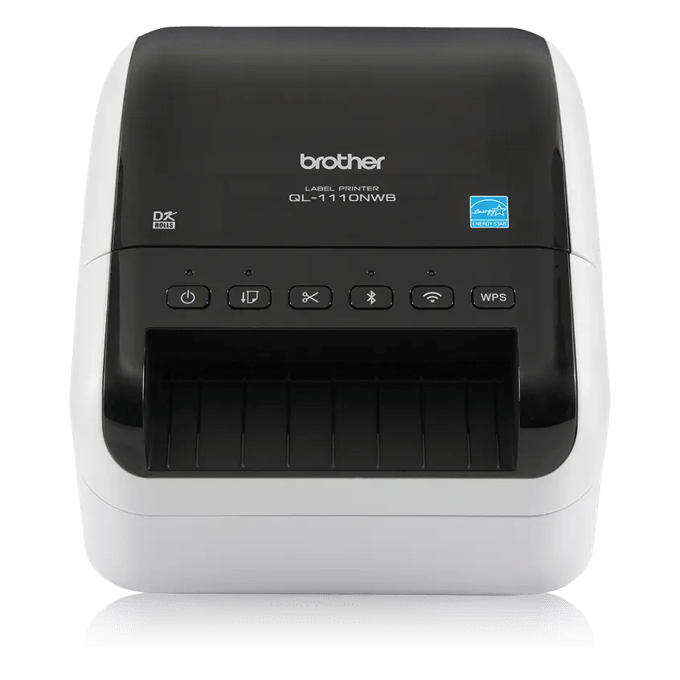
Brother QL-1110NWB Wide Format Thermal Wireless Label Printer, Black - USB, Ethernet, and Bluetooth, 4" Wide, 300 x 300 dpi, 69 Labels Per Minute Professional Monochrome Postage and Barcode PrinterProduct image from current catalog data
Best All-Around Pick for Home and Office

Brother QL-1110NWB Wide Format Thermal Wireless Label Printer, Black - USB, Ethernet, and Bluetooth, 4" Wide, 300 x 300 dpi, 69 Labels Per Minute Professional Monochrome Postage and Barcode Printer

By Brother

9.8Excellent matchFeature and use-case score

A wide-format Brother label printer built for people who need one machine to handle shipping labels, file labels, name badges, and barcode tags without swapping to a different device for each job.

  • Direct thermal printing at 300 x 300 dpi, up to 69 standard address labels per minute
  • Wide-format print head handles labels up to 4 inches, including shipping/postage-style labels
  • Wi-Fi, Ethernet, Bluetooth, and USB connectivity for shared or single-desk use
See Price at the store →Price, delivery, and configuration can change at the retailer.
ByTopFiveFind Research Desk

How this was made: AI-assisted research and drafting organize the evidence. Exact product identity, source claims, owner-feedback patterns, conflicts, and publication checks are documented before indexing. No hands-on or human-expert testing is claimed unless a page explicitly shows that evidence. Read the full methodology.

Best fitBest All-Around Pick for Home and Office
CategoryVacuum Sealers
BrandBrother
Catalog score9.8 / 10

Product overview

Brother QL-1110NWB: What to Know

The QL-1110NWB is the wide-format model in Brother's popular QL desktop line, using direct thermal printing so there's no ink or toner cartridge to replace, only Brother DK label rolls. It prints in monochrome at 300 x 300 dpi, rated for up to 69 standard address labels per minute, and its wide-format print head handles labels up to 4 inches across, including postage and shipping-style labels, not just small address stickers.

Connectivity is a real strength here: alongside a standard USB connection, it has built-in Wi-Fi (802.11b/g/n), Ethernet, and Bluetooth, so it can sit on a shared desk and serve a whole small office rather than being tethered to one PC. Brother's P-touch Editor software (Windows/Mac) handles custom label layouts, and it can also print directly from Word, Excel, or Outlook for quick jobs.

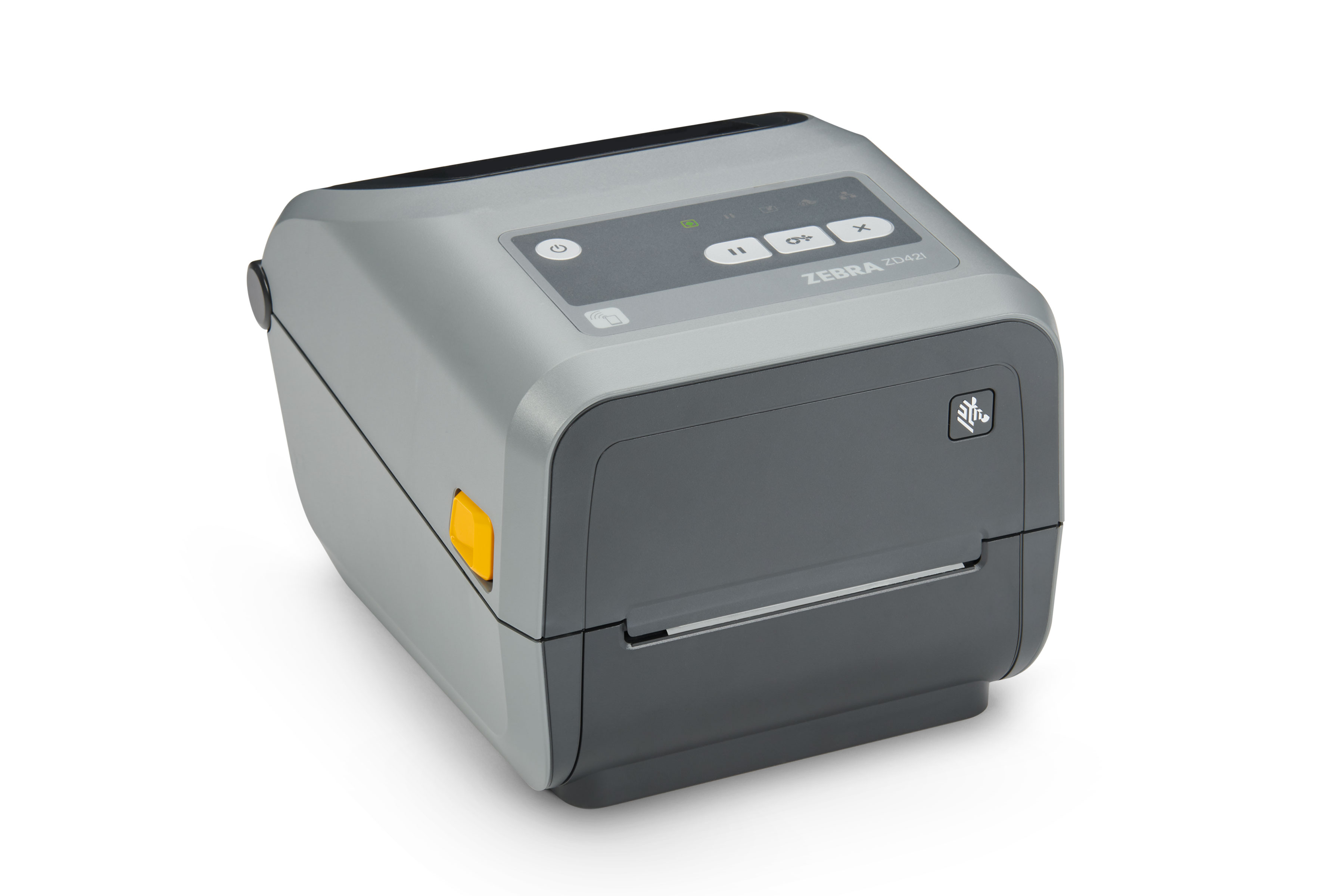
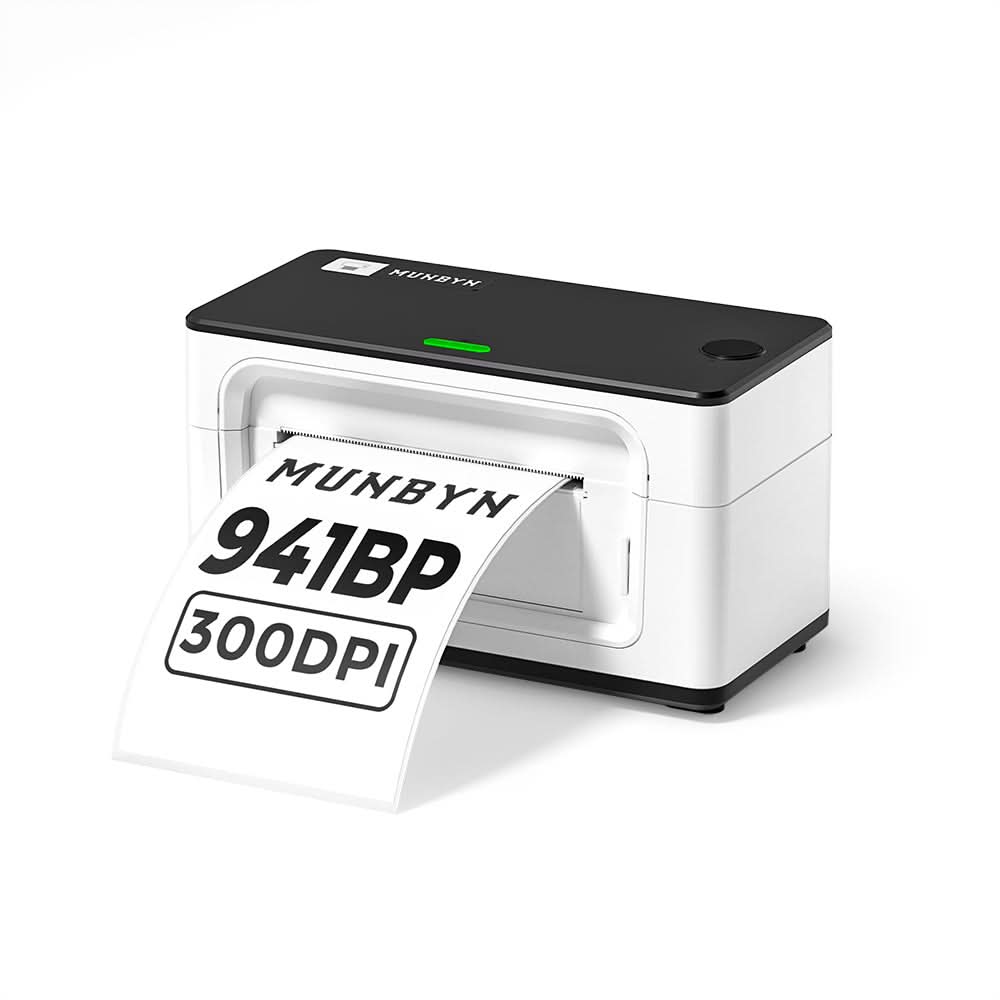
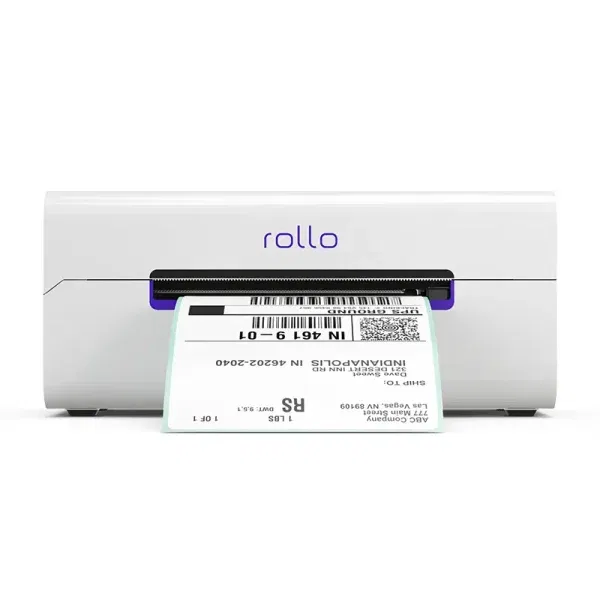
The honest tradeoff is the label system. Like other Brother QL printers, the QL-1110NWB reads label size and type through its DK cartridge, which has a shaped edge that presses against sensor pins and a black timing mark the printer reads as labels feed through. That means it won't accept generic, off-the-shelf direct-thermal rolls the way a Rollo or MUNBYN printer will. You're not fully locked to Brother's own pricing, though: third-party sellers (Betckey and others) make DK-cartridge-compatible rolls specifically sized to fit Brother QL printers, so there is a cheaper alternative to genuine Brother DK stock, it just still has to be Brother-format.

For a mixed home-or-office use case, this format tradeoff is arguably worth it, because the DK system supports a wide range of label shapes and sizes (file folder labels, name badges, small address labels, wide shipping labels) from one printer, which is exactly the kind of flexibility a single-format shipping printer like the DYMO 5XL or Rollo doesn't offer.

Key Listed Features

01

Direct thermal printing at 300 x 300 dpi, up to 69 standard address labels per minute

02

Wide-format print head handles labels up to 4 inches, including shipping/postage-style labels

03

Wi-Fi, Ethernet, Bluetooth, and USB connectivity for shared or single-desk use

04

Auto label cutter plus P-touch Editor software, with direct printing from Word, Excel, or Outlook

Buying questions

Quick Answers

Does the Brother QL-1110NWB need ink or toner?

No. It's direct thermal, meaning it heats the label material to create the image, so there's no ink, toner, or ribbon to buy, only Brother DK label rolls (or DK-compatible third-party rolls).

Can I use non-Brother labels in it?

Not generic, off-the-shelf direct-thermal rolls. The QL series reads label size through the DK cartridge's shape and a sensor mark, so you need Brother-format rolls, either genuine DK cartridges or third-party rolls made specifically to fit Brother QL printers.