 Product image from current catalog data
Product overview
Zebra ZD421: What to Know
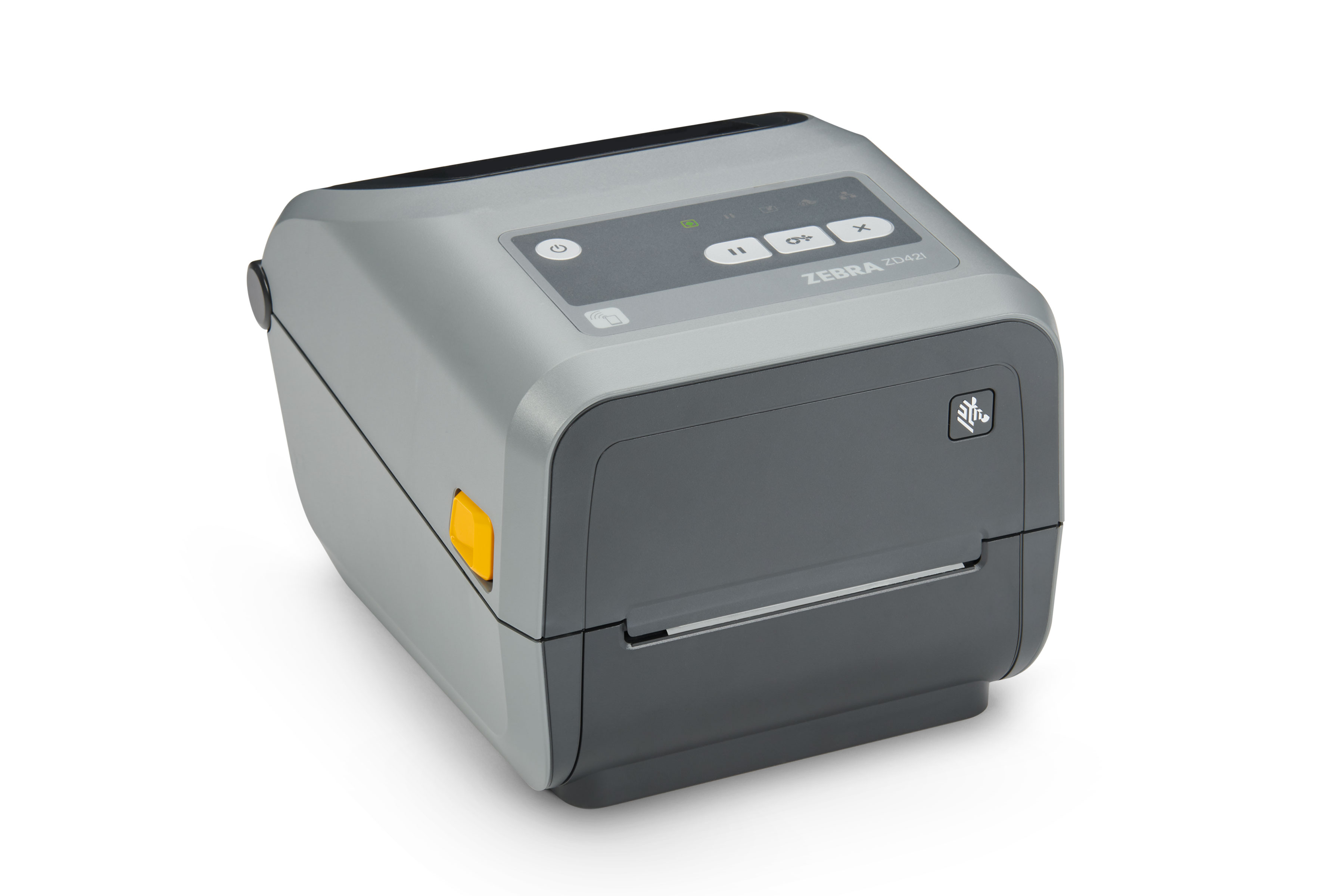
Zebra is primarily a B2B barcode and label hardware brand, and the ZD421 is part of its desktop-class Link-OS lineup rather than a consumer product. Zebra sells the ZD421 in many SKU variants: direct thermal or thermal transfer, 203 or 300 dpi, and different combinations of USB, Ethernet, Bluetooth, and Wi-Fi. The specific configuration featured here, ZD4A042-D01E00EZ, is direct thermal (no ribbon needed) at 203 dpi with wired USB and Ethernet connectivity.
Worth addressing directly, since this is exactly the kind of brand this category can trip up on: Zebra printers often sell mainly through B2B/reseller channels rather than being built for casual retail purchase. In this case, though, the ZD421 clears the bar for a real, current Amazon.com listing, this SKU and several sibling variants (Bluetooth, Wi-Fi, thermal-transfer, different dpi options) are sold new on Amazon by Zebra-authorized resellers with active listing pages. It's simply aimed at a more serious, higher-volume buyer than the other four printers in this guide, not a home-organizing pick.
On print speed, sources aren't perfectly consistent: Zebra's desktop ZD421 line is commonly cited around 6 to 8 inches per second depending on dpi and print-mode configuration, so treat that as a range tied to the specific SKU rather than one fixed number for the whole ZD421 family.
Software is the other honest tradeoff. Zebra printers run on ZPL (Zebra Programming Language) and are typically configured through Zebra's own ZebraDesigner label-design software or Link-OS management tools, more setup than a plug-and-print consumer printer requires. In practice, most shipping platforms (ShipStation and similar) support Zebra printers directly through their own drivers, so day-to-day label printing is straightforward once the initial setup is done; it's the up-front configuration and label-format decisions that put this squarely in small-business territory rather than casual home use.
Key Listed Features
Direct thermal printing on this SKU, 203 dpi, no ribbon required
USB and Ethernet connectivity on this configuration; Bluetooth/Wi-Fi and thermal-transfer variants are sold as separate SKUs
Runs on Zebra's ZPL language with ZebraDesigner and Link-OS software support
Commercial-duty build aimed at higher daily print volumes than consumer label makers