TopFiveFind may earn from qualifying purchases. Rankings are editorial starting points, not hands-on test claims.
Home/Vacuum Sealers/Epson Workforce ES-580W Wireless Color Duplex Desktop Document Scanner | For Computers including PC and Mac 100 Sheet ADF 4.3 in Touchscreen Black
Epson Workforce ES-580W Wireless Color Duplex Desktop Document Scanner | For Computers including PC and Mac 100 Sheet ADF 4.3 in Touchscreen BlackProduct image from current catalog data
Best General-Purpose All-Rounder

Epson Workforce ES-580W Wireless Color Duplex Desktop Document Scanner | For Computers including PC and Mac 100 Sheet ADF 4.3 in Touchscreen Black

By Epson

8.9Excellent matchFeature and use-case score

Epson's mainstream desktop scanner sits deliberately in the middle of this lineup: not the fastest, not the cheapest, not the highest-capacity, just a broadly capable machine for typical mixed-document scanning.

  • Up to 35 ppm / 70 ipm color duplex scanning with a 100-sheet ADF
  • 4.3-inch touchscreen with PC-free scan-to-USB-drive support
  • Epson ScanSmart software plus Epson Smart Panel mobile app for phone-triggered scanning
See Price at the store →Price, delivery, and configuration can change at the retailer.
ByTopFiveFind Research Desk

How this was made: AI-assisted research and drafting organize the evidence. Exact product identity, source claims, owner-feedback patterns, conflicts, and publication checks are documented before indexing. No hands-on or human-expert testing is claimed unless a page explicitly shows that evidence. Read the full methodology.

Best fitBest General-Purpose All-Rounder
CategoryVacuum Sealers
BrandEpson
Catalog score8.9 / 10

Product overview

Epson WorkForce ES-580W: What to Know

The ES-580W is Epson's general-purpose desktop scanner, distinct from the receipt-focused RR-600W despite sharing several core specs. Epson's own product page and specification sheet list scanning speeds up to 35 ppm / 70 ipm for duplex color pages, a 100-sheet automatic document feeder, and a 4.3-inch touchscreen, essentially the same core engine as the RapidReceipt model, minus the receipt-specific AI data extraction.

Connectivity covers USB 3.0 and Wi-Fi, and the touchscreen allows scanning directly to a USB memory drive without a computer connected. Epson's specification sheet (corroborated by multiple retailer listings referencing the same document) states a rated daily volume of up to 4,000 scans, matching the figure for the RR-600W since both models appear to share the same scan engine and feeder mechanism.

Software-wise, Epson ScanSmart handles previewing, emailing, and uploading scans, with support for wireless scanning to cloud storage accounts and searchable PDF creation. The scanner also pairs with the Epson Smart Panel app, letting you trigger and manage scans from an iOS or Android device, a feature Epson has been rolling out across its recent scanner and printer lineup.

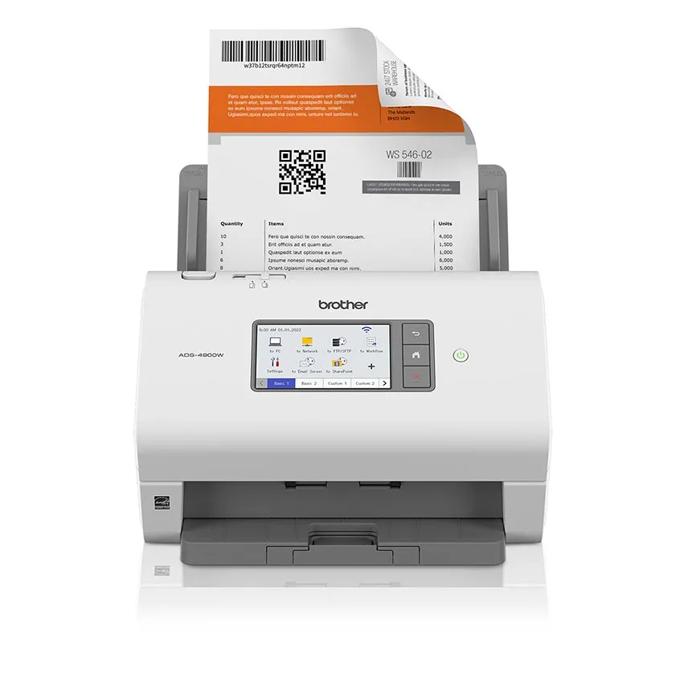
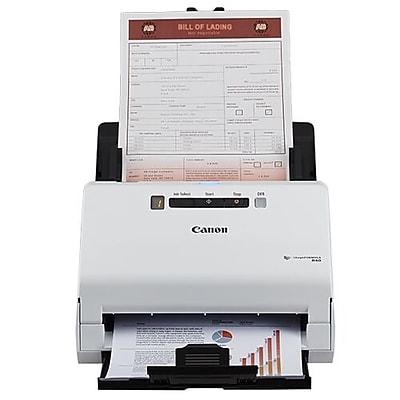
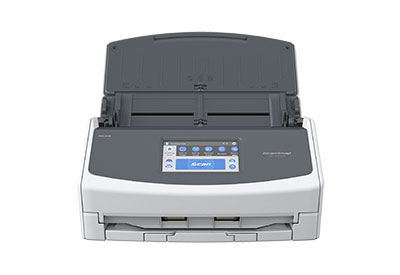
Where the ES-580W lands relative to the rest of this guide: it's faster and more capacious than the Canon R40, but it lacks the ScanSnap iX1600's more sophisticated organizing software and the Brother ADS-4900W's Ethernet port and higher-volume rating. If neither receipts specifically (RapidReceipt) nor high-volume workgroup use (Brother) describes your situation, this is the least specialized, most broadly applicable option here.

Key Listed Features

01

Up to 35 ppm / 70 ipm color duplex scanning with a 100-sheet ADF

02

4.3-inch touchscreen with PC-free scan-to-USB-drive support

03

Epson ScanSmart software plus Epson Smart Panel mobile app for phone-triggered scanning

04

Rated for up to 4,000 scans per day per Epson's specification sheet
Buying questions

Quick Answers

How is the ES-580W different from the Epson RapidReceipt RR-600W?

Based on both products' Epson spec sheets, they share very similar core hardware — 35 ppm duplex scanning, 100-sheet ADF, 4.3-inch touchscreen, roughly the same daily volume rating. The RR-600W is bundled with ScanSmart AI PRO's receipt-focused data extraction aimed at expense tracking; the ES-580W ships with the standard Epson ScanSmart software for general document scanning.

Can I scan straight to a USB drive without a computer?

Yes — Epson's product page confirms the touchscreen supports scanning directly to a connected USB memory drive without a PC or Mac involved.